
How to Order Business Checks for QuickBooks
Managing payments efficiently is an important part of running a business, and using the right checks with QuickBooks can help prevent costly printing and accounting errors. Whether you print a few checks each week or hundreds each month, ordering compatible business checks is essential for smooth accounting and professional financial records.
Businesses often run into problems when using low-quality or incompatible checks. Alignment issues, poor print quality, and MICR errors can lead to rejected checks, wasted time, and unnecessary frustration. Choosing secure, properly formatted laser checks helps ensure your checks print correctly the first time.
Another important factor is MICR printing. MICR (Magnetic Ink Character Recognition) technology allows banks to accurately read routing and account numbers during processing. Using checks designed specifically for accounting software and laser printers helps reduce banking issues and improves reliability.
What Types of Checks Work with QuickBooks?
Several check formats are compatible with QuickBooks, depending on your business needs and printer setup.
Voucher Checks
Voucher checks are one of the most popular options for businesses. They include a detachable stub(s) that provides payment details, invoice information, and accounting records. These are ideal for businesses that need organized documentation for bookkeeping and payroll.
3-Per-Page Checks
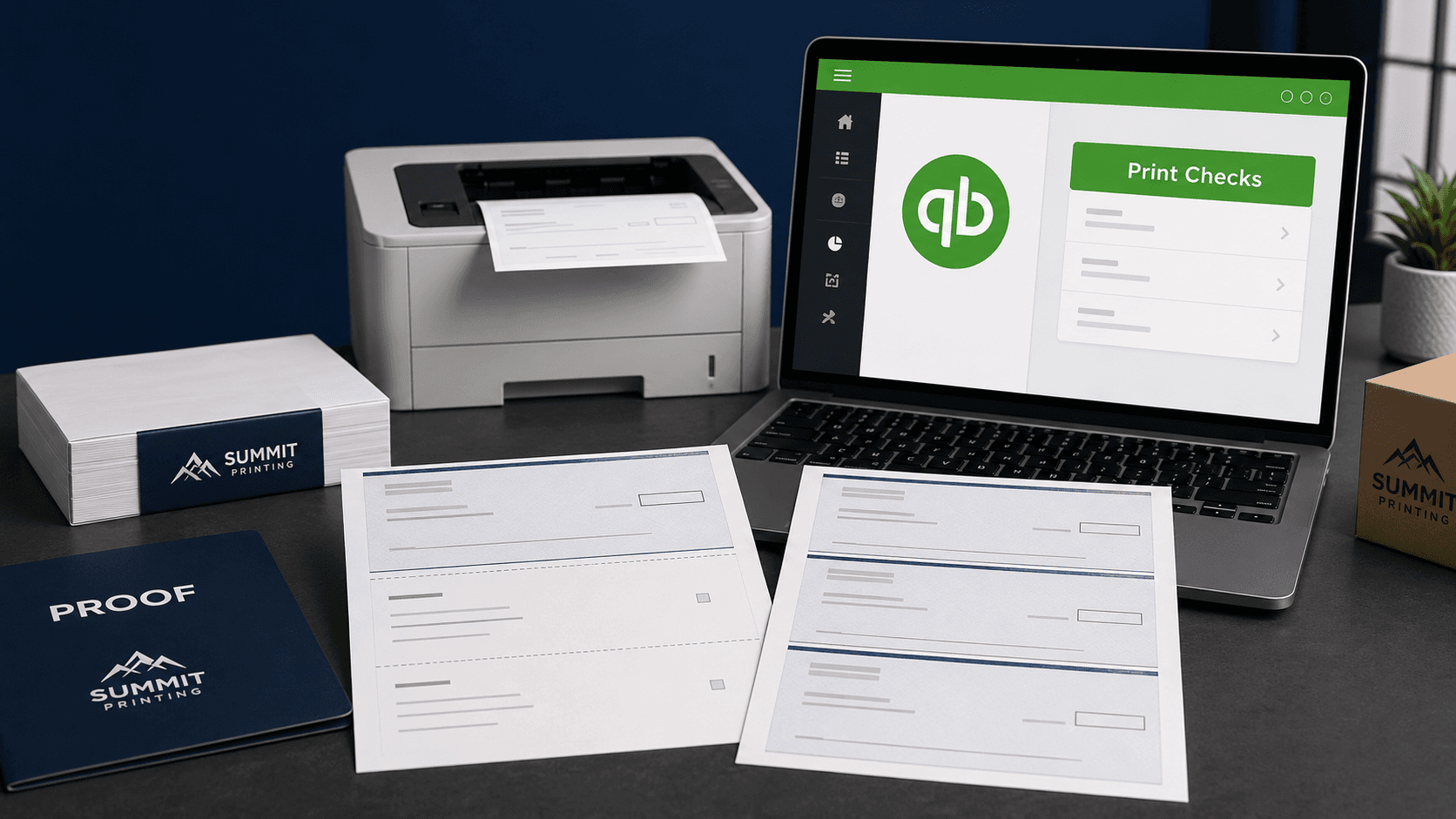
3-per-page checks are commonly used in offices that print large quantities of payments. These checks allow businesses to maximize efficiency while reducing paper waste. They are often used with standard office laser printers and integrate well with accounting software.
Standard Laser Checks
Standard laser checks are designed specifically for laser printers and accounting systems like QuickBooks. They provide clean printing, accurate alignment, and secure formatting that meets banking standards.
What Information Is Needed to Order Checks?
Before ordering business checks, it is important to gather the correct information to ensure compatibility and accurate printing.
Bank Information
You will need your bank name, routing number, and account number. This information is printed in MICR format at the bottom of the check for bank processing.
Company Information
Most businesses include their company name, address, phone number, and other branding details directly on the check.
Logo Options
Custom logos can help create a more professional appearance and strengthen brand recognition. Many businesses choose to include their logo on checks, envelopes, and other financial documents for a consistent look.
Why Businesses Choose Laser Checks
Laser checks continue to be one of the most reliable and efficient solutions for modern accounting systems.
Faster Processing
Laser checks are designed for automated printing and banking systems, helping businesses process payments quickly and accurately.
Cleaner Records
Because checks print directly from accounting software, businesses maintain more organized payment histories and reduce manual entry errors.
Easier Accounting Integration
Checks compatible with QuickBooks simplify reconciliation and bookkeeping by integrating directly with payment records and accounting reports.
Common Problems with Cheap Checks
Low-cost checks may seem appealing at first, but they often create expensive problems later.
Alignment Issues
Poorly manufactured checks may not line up correctly with your printer or software template, causing wasted checks and frustrating reprints.
Printer Jams
Thin paper stock and poor construction can lead to printer jams and inconsistent printing performance.
Poor MICR Quality
If the MICR line is not printed correctly, banks may reject or delay processing checks. This can create payment delays and negatively impact business operations.
Need QuickBooks-Compatible Checks?
Summit Printing offers secure laser checks compatible with QuickBooks, along with fast turnaround times and free local delivery throughout the Wasatch Front, including Salt Lake City. Whether you need voucher checks, 3-per-page checks, or custom business checks with your company logo, Summit Printing can help you find the right solution for your business.